Prices have fallen for five straight months and every source quotes a different number. If you own the board pack, a Power BI real estate dashboard that gives your team one honest read is worth more than another late night pulling figures out of three portals by hand. This post covers the KPIs it should track, why the indices disagree, the August 2026 Power BI features that help, and how to keep the whole thing trustworthy.
The market turned, and everyone has a different number
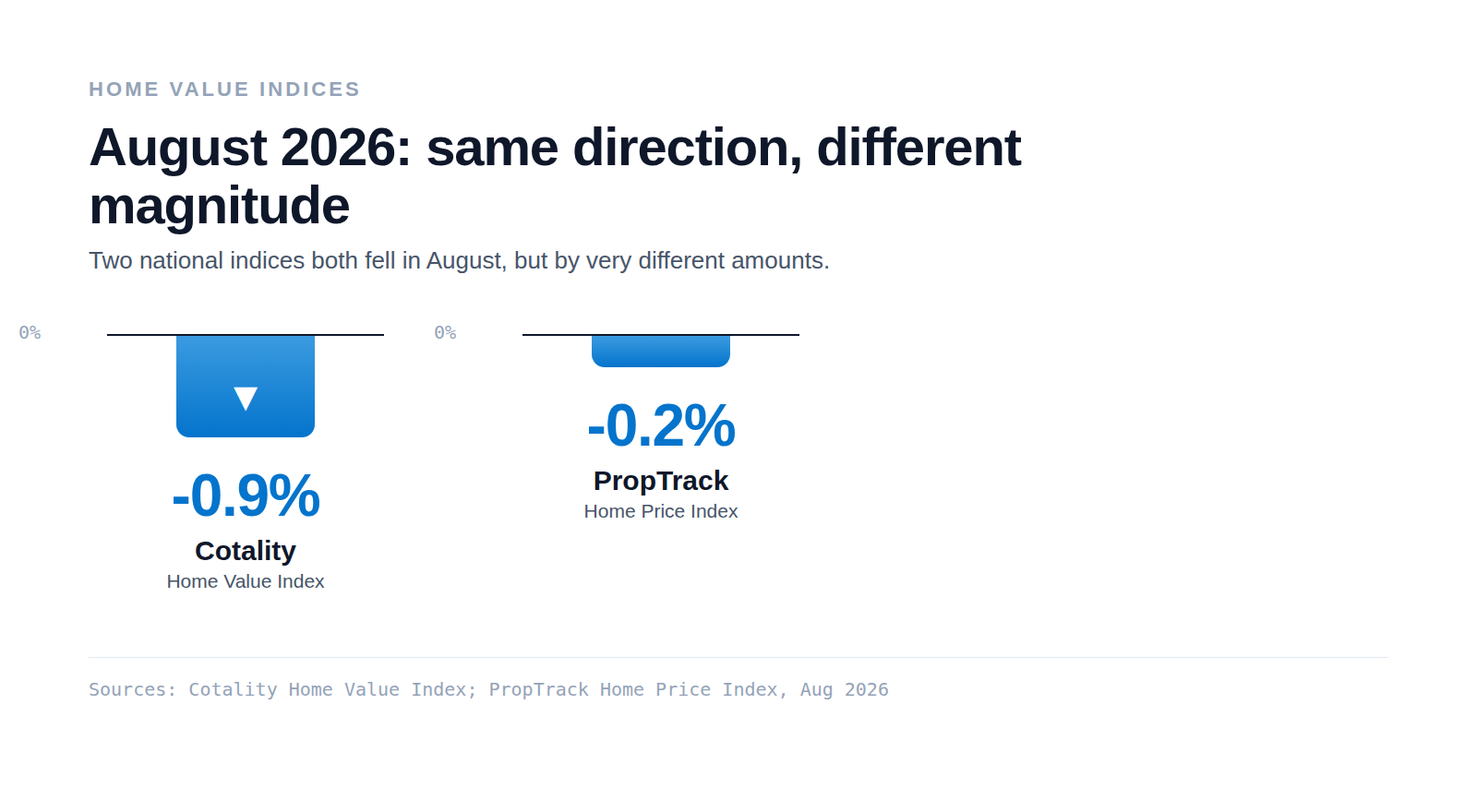
In August 2026, Cotality reported national dwelling values down 0.9% for the month, the fifth consecutive monthly decline, with the national median at $912,885 and the index 3.6% below its March 2026 peak. PropTrack put the same month at down 0.2%, still up 1.8% over the year. Same direction, different magnitude. That gap is why meetings keep reopening the same argument about whose number is right.
The other signals moved too. Auction clearance slid from 66% in February 2026 to the low 40% range by the end of July 2026. Rents kept climbing while vacancy sat near record lows. When each figure lives in a different portal, someone spends the night before the board pack stitching them together by hand.
What a Power BI real estate dashboard should actually track
A good dashboard tracks a small set of KPIs that answer the questions your board actually asks, each defined once so nobody argues about the definition later.
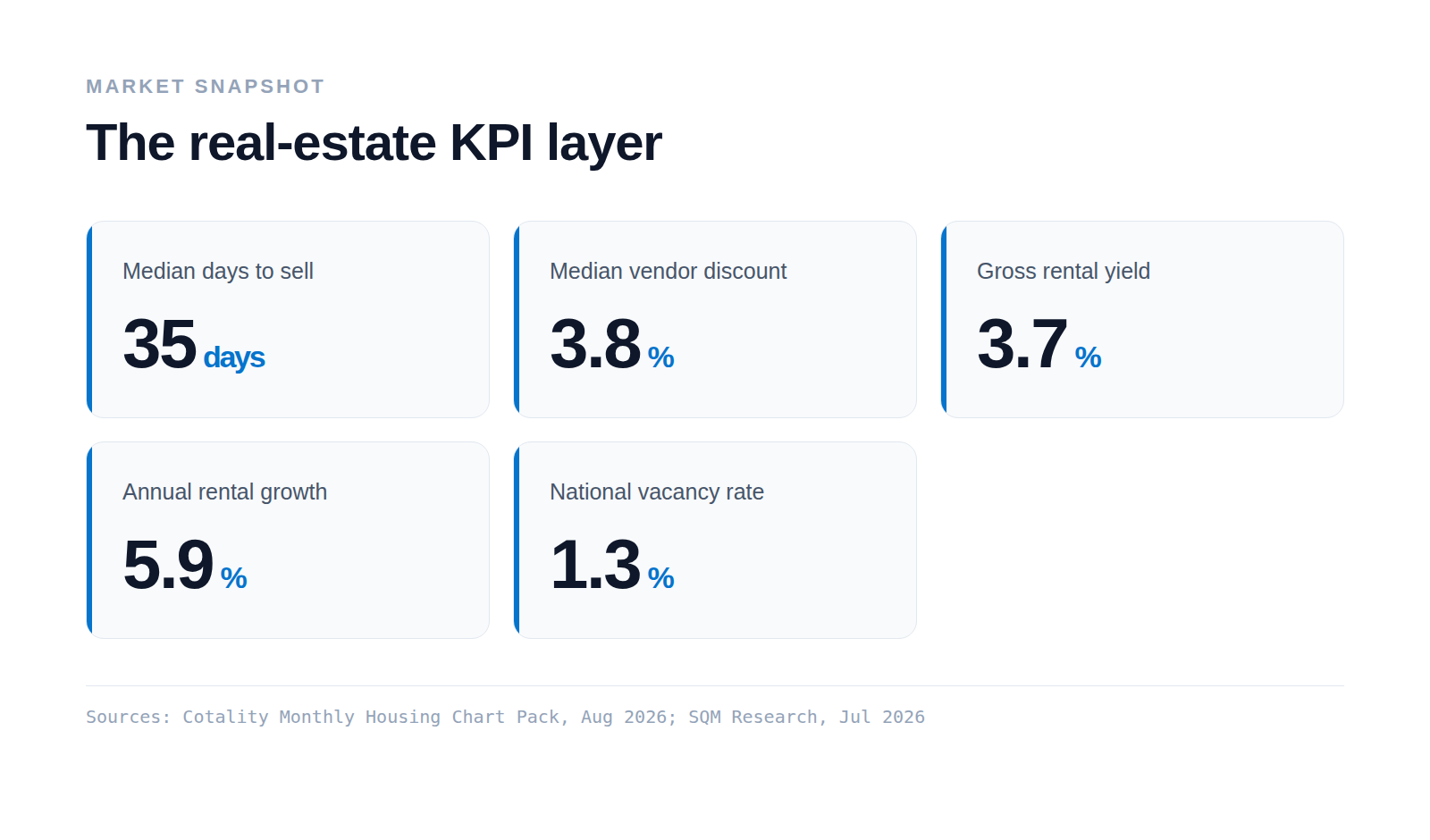
- Median days to sell: how long a typical property takes to sell. Lower means a faster market.
- Vendor discount: the average gap between the first asking price and the final sale price.
- Auction clearance rate: the share of auctions that sell on the day.
- Gross rental yield: annual rent as a share of the property value, before costs.
- Annual rental growth: how much rents have moved over the past year.
- Vacancy rate: the share of rental stock sitting empty.